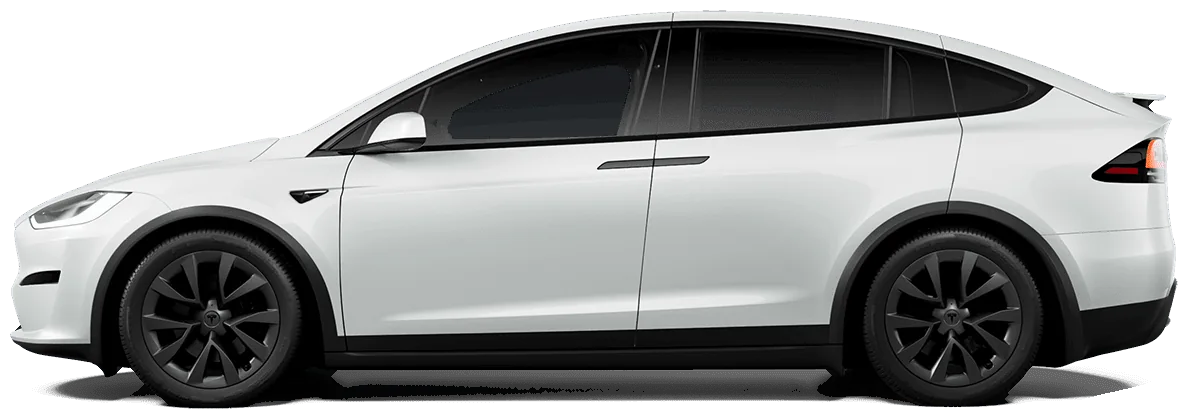
Pre-trip checklist
- Charge to the level your trip needs (100% is fine right before a long trip).
- Check all four tire pressures cold.
- Clear any active alerts, especially 12V or tire alerts.
- Check the forecast at your destination and along mountain passes.
- Enter the destination in the car so it preconditions the battery for Supercharging.
 ChatGPT · AskMyEV connectorExample
Is my car ready for a 200-mile trip tomorrow morning?
ChatGPTused AskMyEV
Mostly. You're at 71% (about 228 mi), charging to 90% by 6 AM, which gives about 290 mi.
Tires are 41–42 psi, fine. No active alerts. It'll be 34°F at departure, so expect ~15% less range: you'll arrive with about 25%.
What to ask your AI
- “Can I make it to [place] and back without charging?”
- “Is my car ready for a 300-mile trip tomorrow?”
- “Where's the nearest Supercharger to my car right now?”
- “How much charge did my last road trip use per 100 miles?” (history, paid plans)
More in the prompt library.
Buffer rules of thumb
- Arrive at chargers with 10–20%, more in winter or remote areas.
- Climbing costs energy and descending returns some. Mountain legs can use far more than flat ones.
- Highway speed matters: 80 mph uses noticeably more than 65 mph.
Frequently asked questions
Can ChatGPT plan a Tesla road trip?
Yes. With a connector like AskMyEV, ChatGPT (and Claude or Grok) can read your car's real charge, range and tire pressures to judge readiness and suggest charging stops. Use the car's navigation for live Supercharger routing.
Does AskMyEV store my location?
No. Location is used live to answer a question, such as finding nearby chargers, and is never stored in history.
Ask your own Tesla, in the AI you already use
Read-only, set up in about two minutes. Free one-time health check with no card, or a 30-day free trial. Then $4.99/mo or $39/yr.
 Add to Claude
 Add to Grok