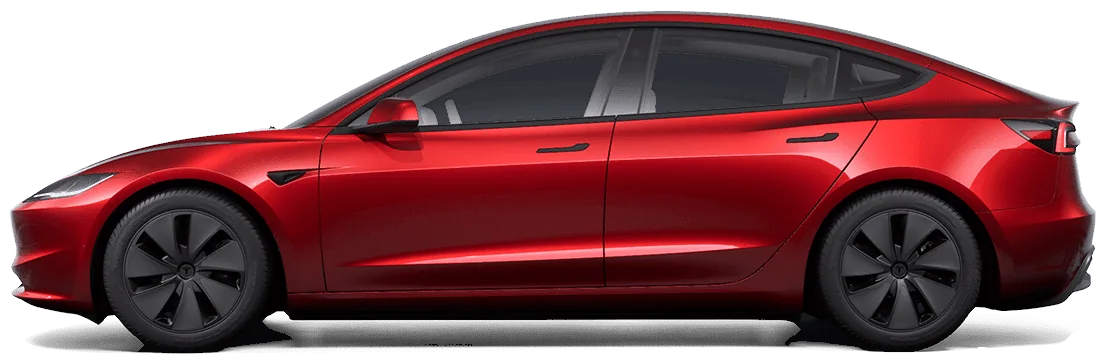
Sample data · not a real car
Sample answers
“How's my battery health?”
Worked out from the car's rated range at its charge level. An estimate, not a Tesla diagnostic.
“Are my tires OK?”
In psi. The rear left dropped from 42.1 to about 37 over the last 5 days, which can mean a slow leak. Check it against the door placard.
“Any Tesla alerts this week?”
- Active TPMS_a183_lowPressureRL (low pressure, rear left, since yesterday)
- Cleared VCFRONT_a192_lowVoltageBattery (low-voltage battery, 3 weeks ago, lasted a day)
Each alert comes with a link to Tesla's public Service Manual for your model.
Real AskMyEV results from the demo account, shown as simple cards rather than a screenshot of a chat.
Try it with your own car
It takes about 3 minutes. You sign in on Tesla's own page, and you see your own car's battery, range and tires before adding a card. Then your first month is free ($0 today), cancel anytime.
Guides: Claude · ChatGPT · Grok · Cursor
Ask your own Tesla, in the AI you already use
Read-only by default, set up in about 3 minutes. Your first month is free (card required, $0 today, cancel anytime). Then $4.99/mo for up to 3 cars, or Fleet $9.99/mo for up to 10.
 Add to ChatGPT
 Add to Claude
 Add to Grok
 Add to Cursor